Why We Built Cliprift
We built Cliprift because copying between devices still feels broken. This is the story behind the product, the trust problem we are fixing, and the standard we think a cross-device clipboard should meet.
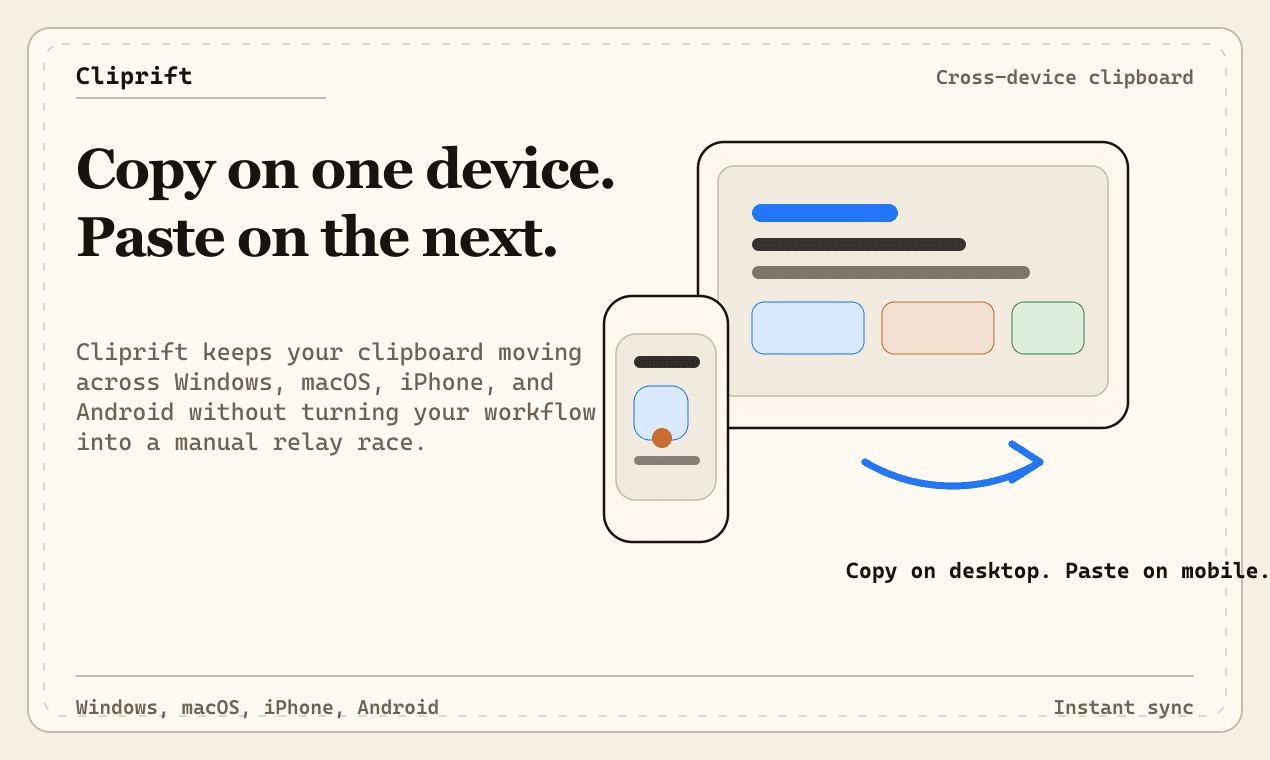
We built Cliprift because one of the most common actions in modern computing still breaks the moment you move between devices.
You copy a code snippet on your laptop, open your phone, and it is gone. You copy a link from a browser tab, switch to your desktop, and the workflow resets. You grab an image, a file path, a support reply, a staging URL, or a half-finished thought, and the clipboard turns into a one-device scratchpad instead of the shared working memory it should be.
That gap sounds small until you notice how often it interrupts real work. The clipboard is not a side feature. It is one of the fastest paths between intent and action. When it fails, the whole system feels slower.
A lot of software treats clipboard history and sync like accessories. They exist, but they are bolted on. Some tools are excellent on one operating system and nonexistent on another. Some are local-only. Some are tied to a single ecosystem. Some support text well enough but fall apart when you need to move an image, a file, or a richer workflow. Some are convenient right up until trust becomes part of the conversation.
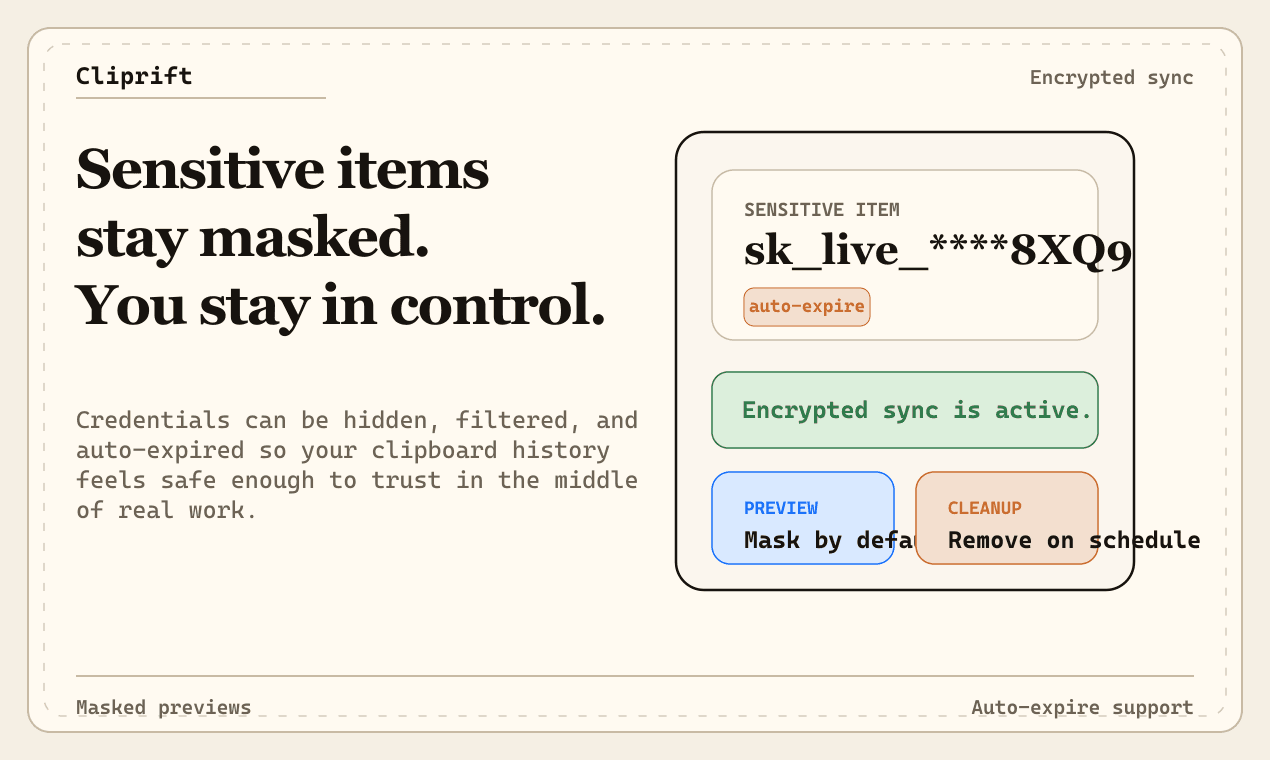
That last point matters more than most products admit. Your clipboard is full of the things you did not mean to store forever: passwords copied during setup, internal URLs, customer replies, recovery codes, API keys, snippets from private documents, and fragments of work that only make sense in context. A cross-device clipboard cannot only be fast. It also has to earn the right to exist.
If you can copy something on one device, you should be able to trust what happens to it on the next.
The obvious problem is speed. The deeper problem is confidence. Most people can tolerate a little latency if the product feels reliable. What they do not tolerate for long is uncertainty. Where did this copied item go? Which device has it? Is it still stored somewhere? Can I control that? Is the app silently losing the one thing I needed to paste five minutes later?
We wanted Cliprift to feel like infrastructure, not a novelty. That means a few principles mattered from day one.
- Fast enough to disappear into the workflow instead of asking the user to think about sync.
- Reliable enough to recover from dropped connections, backgrounding, and handoffs between devices.
- Respectful enough to handle sensitive content like sensitive content, not like growth data.
- Flexible enough to support real work: links, text, code, images, files, snippets, and search.
Cliprift started from a simple product standard: the clipboard should feel like your memory layer across devices. Not a novelty cloud sync feature. Not a dumping ground. A real working surface for the material that moves between your tools all day.
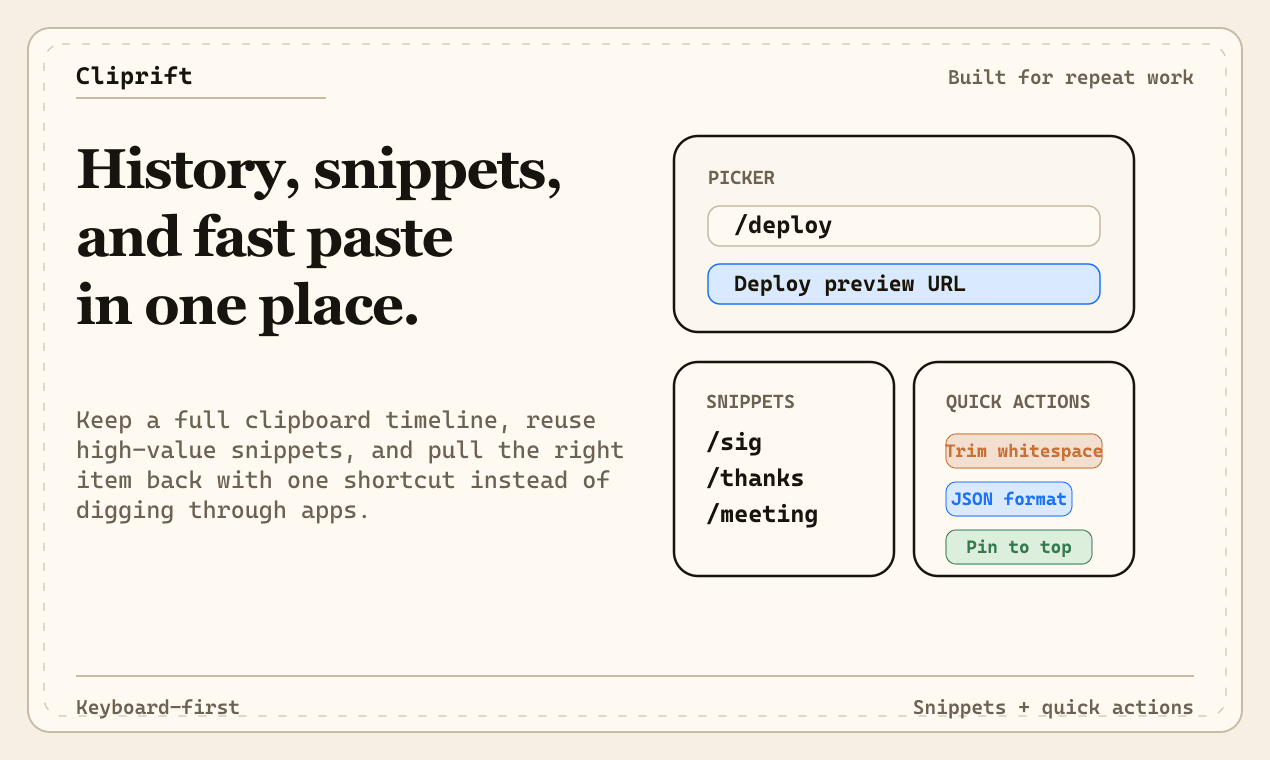
That standard changes how you build the product. Search is not a nice-to-have because history without retrieval becomes clutter. Device awareness matters because context matters. Preview quality matters because you should know what you are about to paste. Rules, snippets, and quick actions matter because copying is often the start of a task, not the end of one.
It also changes how you think about product scope. It is trying to make one narrow, repeated workflow dramatically better: move useful information between moments without losing speed or control.
The current product is built around the daily realities of people who move quickly between devices: founders, operators, developers, designers, support teams, and anyone else who copies ten things before lunch and needs the eleventh one again at 4 PM.
- Cross-device clipboard sync so copied content follows you instead of staying trapped on one machine.
- Searchable clipboard history so retrieval is as fast as capture.
- Pinned items, snippets, and quick actions for the content you reuse constantly.
- Support for more than plain text, including richer workflows that reflect how people actually work.
- A product direction that takes privacy seriously instead of treating it like launch copy.
You can explore the product surface on the , review the current , or go straight to if you want to try the product as it exists today.
Launching Cliprift does not mean we believe the category is finished. It means we think the problem is real, the workflow deserves a better standard, and the right way to build it is in the open with real usage and real feedback.
We are deliberately opinionated about the product direction. Reliability matters more than gimmicks. Good defaults matter more than endless settings. Cross-device polish matters more than padding a feature checklist. If a feature looks impressive in a launch post but creates doubt in actual use, it does not belong.
That also means launch is the beginning of a sharper conversation with users. Which workflows feel magical already? Which platform edges still feel rough? Which moments should become one action instead of three? The fastest route to a better product is not pretending version one is complete. It is learning exactly where the friction still is.
Modern work is more device-fragmented than ever. People move between desktop and mobile constantly. They work across browsers, editors, chat tools, ticketing systems, terminals, and design surfaces. The number of copy-paste moments has not gone down. The cost of breaking those moments has gone up.
The result is a category that is oddly underserved relative to how often people depend on it. That is why Cliprift exists. Not because copy and paste sounds glamorous, but because the products that save the most time are often the ones that remove the smallest repeated interruptions.
Our long-term view is straightforward. The best cross-device clipboard should feel immediate, trustworthy, and useful enough that it becomes part of how you think, not just how you paste. It should help you capture, recover, transform, and move the small pieces of information that keep real work moving.
If that sounds like your kind of tool, try Cliprift and tell us where it still gets in your way. The ambition here is not to ship a clever clipboard manager. It is to build the digital memory layer we wish already existed.
Try Cliprift Free
Copy on one device, paste on another. Searchable history, smart detection, and instant sync across all your devices.