Cliprift Is Live — Copy Once, Paste Everywhere
Cliprift is now available for Windows and macOS. Cross-device clipboard sync, searchable history, smart actions, and snippets — built for people who copy more than they admit.
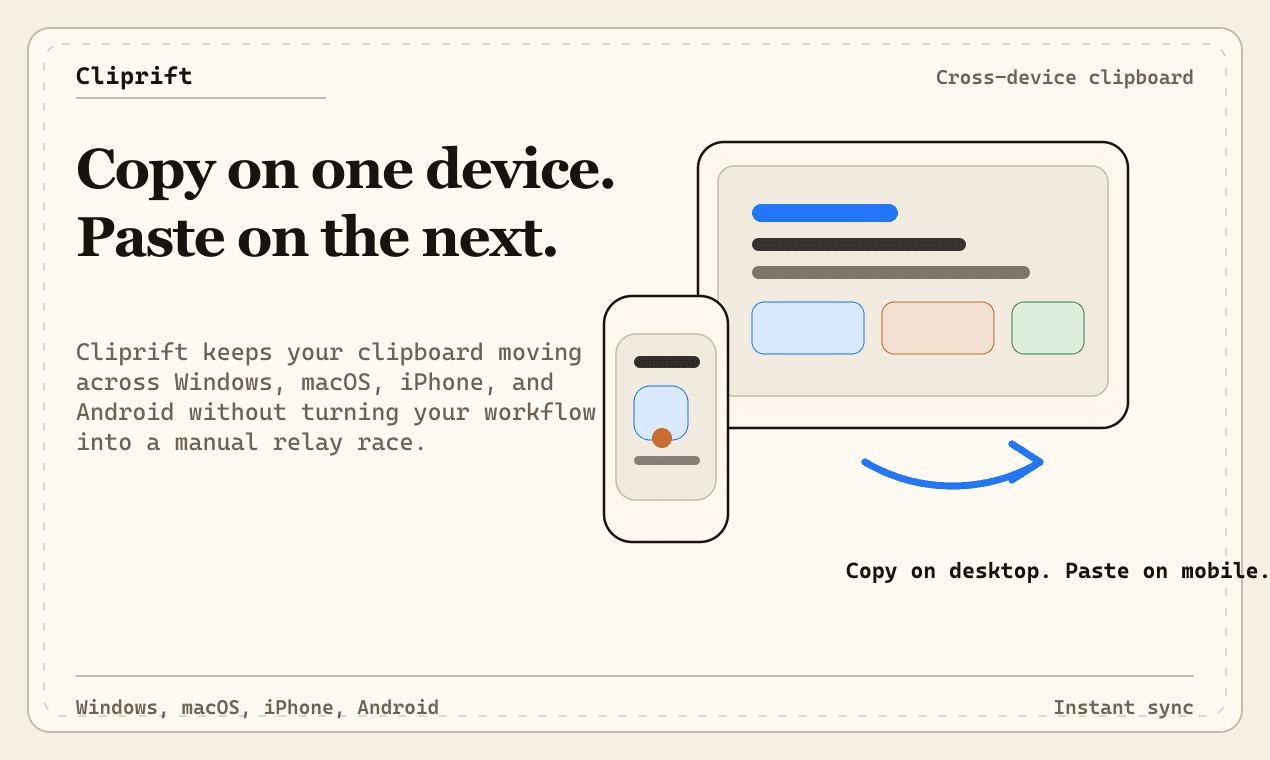
Today we are making Cliprift publicly available. If you have ever lost a copied link between devices, pasted the wrong thing after switching apps, or wished your clipboard worked more like a second brain than a one-item buffer, this is for you.
Cliprift is a cross-device clipboard manager for Windows and macOS. It syncs your clipboard history across every machine you use, makes it instantly searchable, and gives you tools to do more with the things you copy — without changing how you already work.
Cliprift ships with everything you need to stop losing what you copy. Here is what is included out of the box.
- Cross-device clipboard sync. Copy on your laptop, paste on your desktop. No cables, no cloud drives, no manual sharing. Items appear on the other side in under two seconds.
- Searchable clipboard history. Every text snippet, link, code block, and image you copy is saved and instantly searchable. Natural language queries work too — try "links from yesterday" or "code I copied this morning."
- Smart content detection. Cliprift recognizes URLs, code, colors, HTML, and plain text automatically. Each type gets the right preview and the right actions.
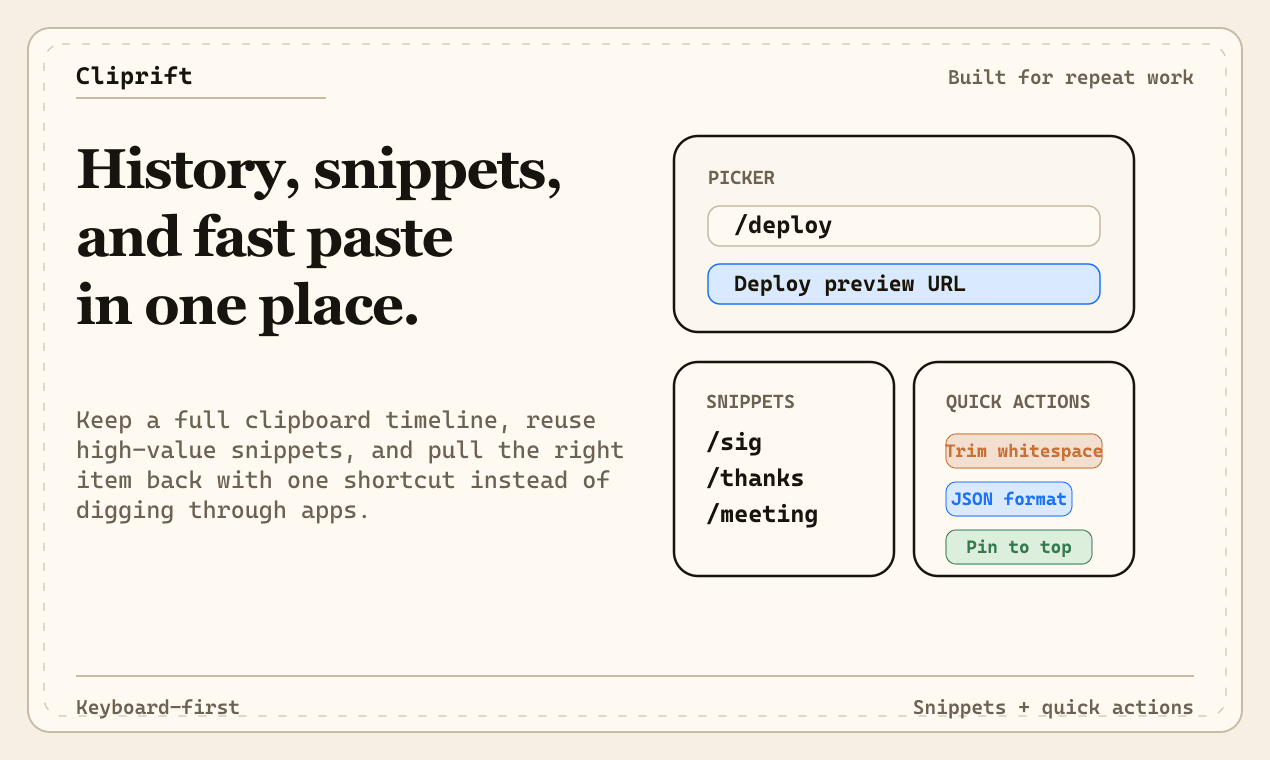
- Quick actions and transforms. Trim whitespace, format JSON, strip tracking parameters from URLs, convert case, sort lines — all without leaving the clipboard.
- Snippets with variables. Save reusable templates with placeholders like {{name}} or {{date}}. Expand them with a keyword and fill in the blanks instantly.
- Pinned items for the things you paste every day — email addresses, project IDs, support replies, code patterns. Always at the top, always one keystroke away.
Most clipboard tools ask you to change your habits. Cliprift does not. It runs in the background, watches your clipboard, and stays out of the way until you need it. Press a keyboard shortcut to open the picker, search or scroll to what you need, press Enter, and it pastes directly into the app you were using.
The whole interaction takes about a second. That is the goal: fast enough that reaching for your clipboard history feels no different from pressing Ctrl+V.
We spent a lot of time on the small details that make the difference between a tool you try once and a tool you rely on. Smooth keyboard navigation. Instant search that filters as you type. Rich previews for links, images, and code. A rules engine that can automatically transform or expire content based on where it came from. These are not afterthoughts — they are the reason Cliprift feels like a productivity multiplier instead of another app in the tray.
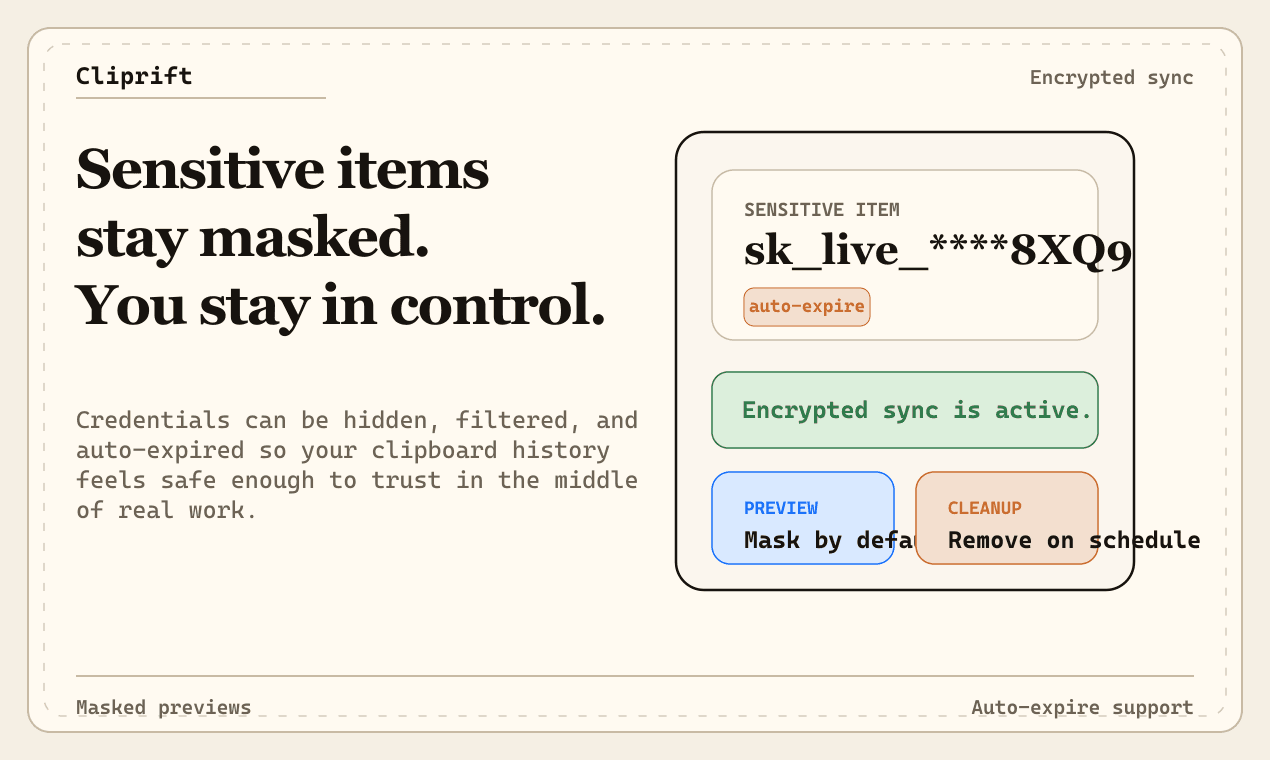
Your clipboard contains some of the most sensitive fragments of your digital life. Passwords copied during setup, API keys from dashboards, addresses, financial details, internal URLs, and half-finished messages you never meant to save. We take that seriously.
Cliprift encrypts data at rest on our servers. The rules engine lets you auto-expire sensitive content or prevent specific items from syncing at all. You control what gets stored, how long it lives, and which devices see it. We are building toward full end-to-end encryption as a near-term priority.
A clipboard manager that asks you to trust it with everything you copy should earn that trust, not just claim it.
Cliprift Free gives you clipboard history, search, quick actions, and single-device use at no cost. If you work across multiple machines and want cross-device sync, unlimited history, and the full power-user toolkit, Cliprift Pro is available for a straightforward monthly or annual subscription.
Check the for the full comparison. No tricks, no gated trials that cut you off after 14 days. The free tier is a real product.
Today is the starting line, not the finish. Here is what we are actively building toward.
- iOS and Android apps so your clipboard follows you to your phone.
- End-to-end encryption so copied content is encrypted before it ever leaves your device.
- Team shared clipboards for passing links, snippets, and assets between colleagues without leaving your workflow.
- Community rule packs that let you install curated automation sets in one click — privacy shields, developer tools, content creator workflows.
We publish our roadmap openly and prioritize based on real user feedback. If something matters to you, it probably matters to us too.
Cliprift is available right now for Windows and macOS. , copy something, and see where it shows up.
If you want to go deeper, explore the full or read about in the first place. If you find something broken or have a strong opinion about what we should build next, we want to hear it.
Your clipboard just got an upgrade. Welcome to Cliprift.
Try Cliprift Free
Copy on one device, paste on another. Searchable history, smart detection, and instant sync across all your devices.